
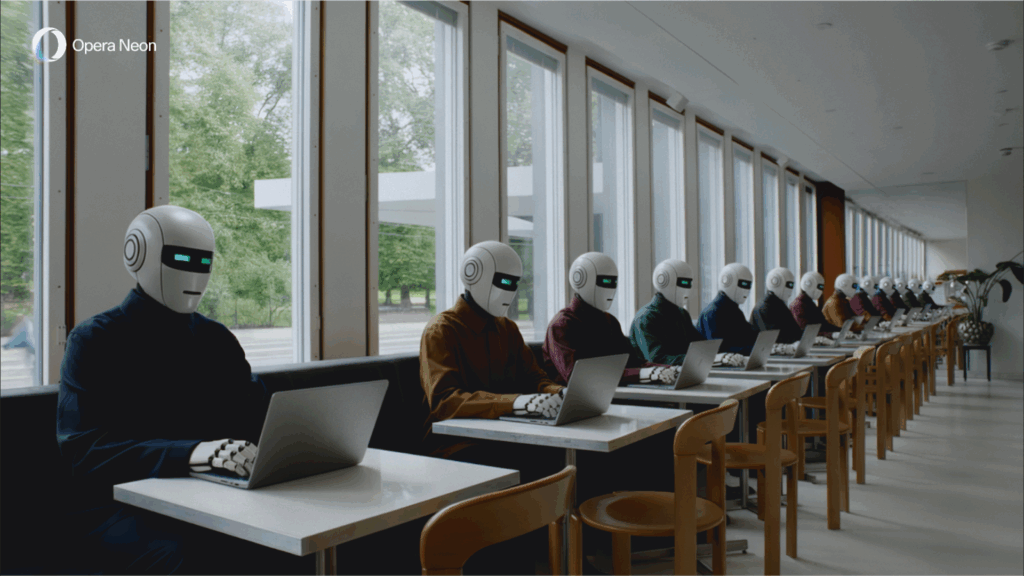
- Opera Neon’s new update includes a 1-minute Deep Research mode that delivers reports at top speed
- Users can also switch between AI models like Gemini 3 Pro and Nano Banana Pro mid-task
- The update also enables the “Do” agent to automatically create and edit Google Docs based on your prompts
Opera’s agentic browser experiment, Opera Neon, has just launched a feature that could redefine how you research online. The new 1-minute research mode for Opera Deep Research Agent (ODRA) allows users to generate full, citation-supported mini-reports in, as the name suggests, about 60 seconds.
The update marks one of the most tangible attempts yet to streamline online research through AI, delivering just enough depth without sending you down a hyperlink rabbit hole. And while the feature is currently limited to early access users of Opera Neon, the implications could extend far beyond a niche power user base. If you’ve ever found yourself juggling 10 tabs, a notepad and a vague sense of academic guilt just to compare new phones, this one’s for you.
ODRA does not replace ChatGPT-style conversation or content creation. Instead, it lives alongside Opera Neon’s existing “Chat”, “Do” and “Make” agents. It offers a small, efficient, multi-threaded AI researcher that parallelizes the task, splits it up, assigns it to virtual teammates, and reassembles a unified answer. You ask the question. It brings back succinctly.
The new one-minute mode offers something between a relaxed AI response and a full-on deep dive: fast enough to keep your momentum going, rigorous enough that you’re not dependent on a chatbot hallucination. Opera describes it as the sweet spot for moments when you don’t need a completely blank sheet of paper, but you also don’t want to rely on a single Reddit thread to decide whether that new washing machine is worth the money.
Unlike most AI tools built into browsers, which stick to summarizing page content or providing light suggestions, ODRA pulls from multiple sources on the open web. It also makes sure to include quotes.
Claude power
That’s not all that went down in this latest update. Opera Neon now includes a new model selector that allows users to switch between the best AI systems on the fly, including Google’s Gemini 3 Pro and Nano Banana Pro. You can start a session using one model and then change without losing your chat history or its understanding of your task. It’s a small tweak with big usability implications, especially for people who are starting to notice that not all AI models excel at the same things.
And while ODRA might be the big story, Neon’s “Do” agent has also been upgraded. It now works natively with Google Docs. If you ask Neon to write a report comparing electric cars, it can now not only research the topic, but drop it into a properly formatted Google Doc, title and all. From there you can edit, share or ask Neon to revise it, rename the file or add new research later.
Fresh updates on Opera Neon 🚀• Our new model selector now includes: Gemini 3 & Nano Banana Pro. Just choose the model that fits your workflow.• Do you need deeper insights without a deep dive? 1-Minute Research delivers richer answers, fast. pic.twitter.com/vzp8bTdgRc27 November 2025
Opera has positioned Neon as a sandbox for experimental features that might be too advanced or pretentious for its mainstream products. While its flagship browser, Opera One, still appeals to a broad audience, Neon is aimed at power users who want the browser to do more than passively open content.
With agents writing, revising, generating images, deep researching, and executing tasks in external services, Neon is increasingly behaving as a front end for task delegation, not just browsing. Its ability to switch agents or models mid-task makes it feel more fluid than the growing number of single-purpose AI plugins that populate other browsers.
The broader implication is that the future of AI may not live in your chat box, but in your browser. Opera Neon’s 1-minute research agent is an early prototype of a shift to where AI doesn’t just offer comments on content, but becomes an interface layer between you and the web itself.
Follow TechRadar on Google News and add us as a preferred source to get our expert news, reviews and opinions in your feeds. Be sure to click the Follow button!
And of course you can too follow TechRadar on TikTok for news, reviews, video unboxings, and get regular updates from us on WhatsApp also.
The best business laptops for all budgets


