
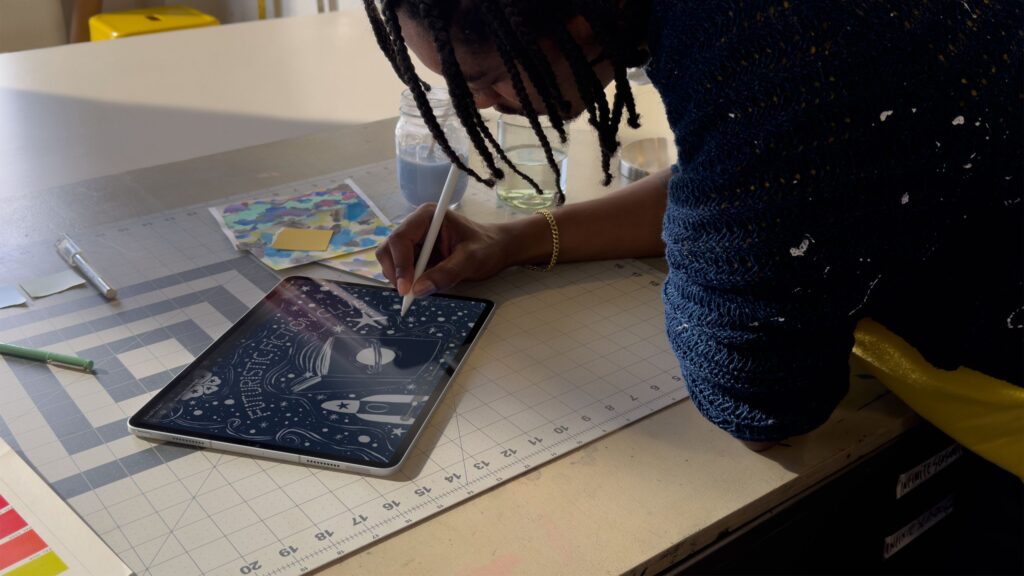
Long ago, in our galaxy itself, Apple offered iLife – a suite of creative apps – and iWork – a trio of productivity tools. Like much nostalgia-driven technology (and today’s rise in bundling), what’s old is new again.
Apple Creator Studio groups core creative apps like Logic Pro, Motion, Compressor, MainStage, Pixelmator Pro (a first!) and Final Cut Pro together with Pages, Keynote and Numbers into a single, cross-platform subscription. For $12.99 / £12.99 / AU$19.99 per month or $129 / £129 / AU$199 per year, you get access across Mac, iPad and iPhone.
It is clearly a value play. Many of these apps were previously purchased outright or via separate, platform-specific subscriptions. But beyond savings, Apple is betting the package will encourage more people to integrate these tools into their workflows — or try them for the first time.
In a shared release, Apple SVP of Internet Software and Services Eddy Cue said, “Apple Creator Studio is a great asset that enables creators of all types to pursue their craft and develop their skills.”
Cue also points to “advanced intelligent tools” designed to speed up workflows that build on AI capabilities already found in apps like Logic Pro for iPad. Notably, Creator Studio officially brings Pixelmator Pro into Apple’s first-party creative lineup. Apple bought the popular photo-editing app in 2024, and it has a loyal fanbase—myself included—and this bundle finally brings it to the iPad.
When Creator Studio launches on January 28, 2026, subscribers will have access to the following apps:
- Mac: Final Cut Pro, Logic Pro, Pixelmator Pro, Pages, Keynote, Numbers, Freeform, Motion, Compressor and MainStage
- iPad: Final Cut Pro, Logic Pro, Pixelmator Pro, Pages, Keynote, Numbers and Freeform
- iPhone: Pages, Keynote, Numbers and Freeform
Eligible students and educators can subscribe at a deep discount: $2.99 / £2.99 / AU$4.99 per month or $29.99 / £29.99 / AU$49.99 per year. Apple also offers a one-month free trial to eligible customers on both plans, but if you buy a select Mac or iPad, you can get a free three-month trial.
iMovie and GarageBand remain free entry-level creative apps on Mac, iPad and iPhone. And for those who prefer to pay once, Pixelmator Pro, Final Cut Pro, Logic Pro, Motion, Compressor and MainStage will continue to be sold individually on Mac. In addition to the bundle, there are some meaningful platform extensions and new features – so let’s break them down.
Pixelmator Pro is finally coming to iPad
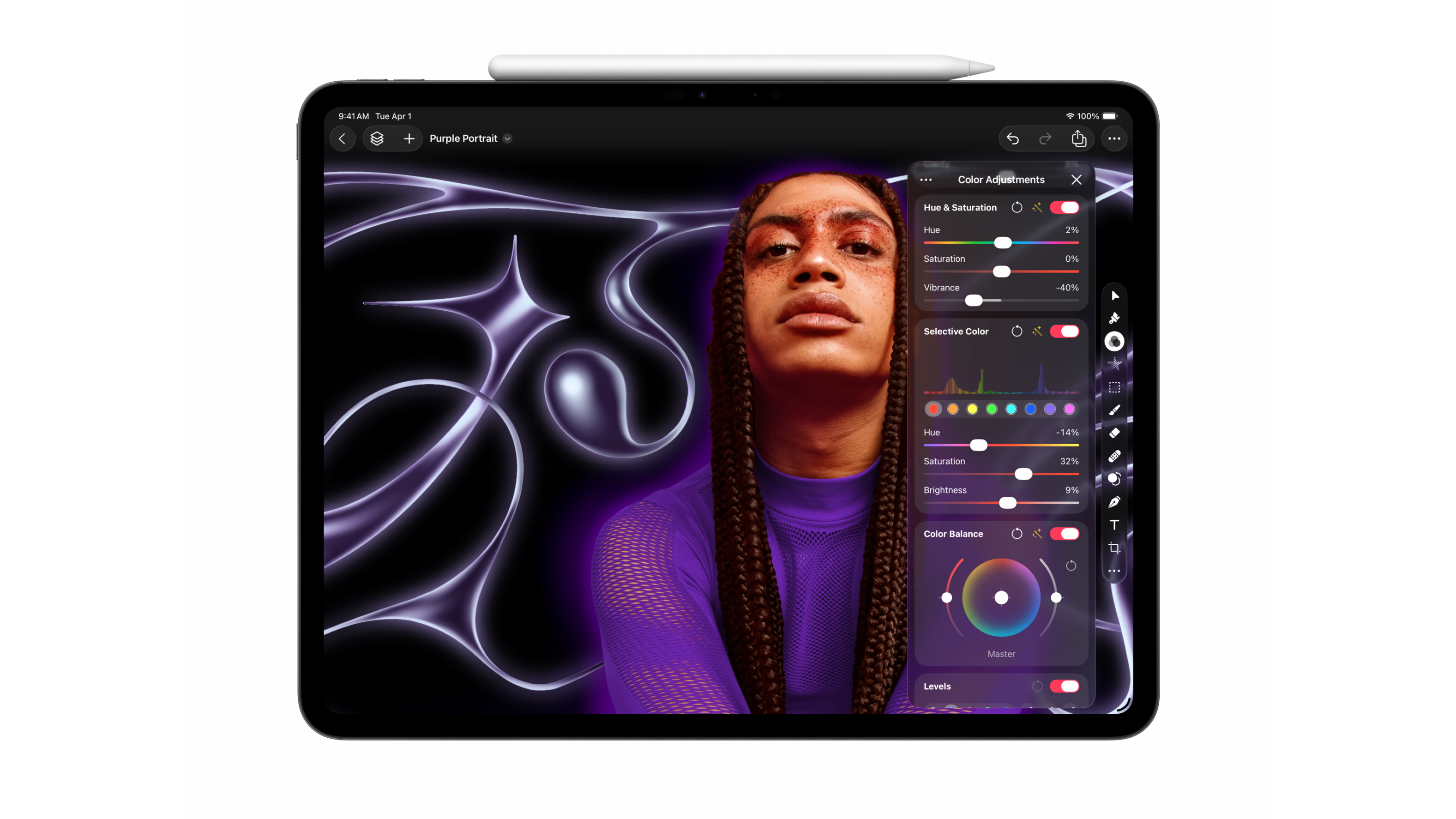
Pixelmator Pro has long been a Mac favorite, but we’ve been waiting for a major update — or a new platform — since Apple bought it in November 2024. That wait will end on January 28, 2026, when Pixelmator Pro launches on iPad.
The app is built from the ground up for iPadOS and is optimized for touch and Apple Pencil and Apple Pencil Pro. Apple says workflows will flow seamlessly between Mac and iPad, with many of the same editing tools available across both. Features like Super Resolution remain, and Apple Pencil gestures including hover, pinch, and double tap let you preview and adjust effects more fluidly.
A new Warp tool is also coming to Pixelmator Pro on both Mac and iPad, allowing users to warp and reshape layers – another push towards a more premium creative toolset. You will also find that many of the time-saving features such as ML Enhance or Super Resolution will also remain on the iPad.
Logic Pro adds more AI-powered features
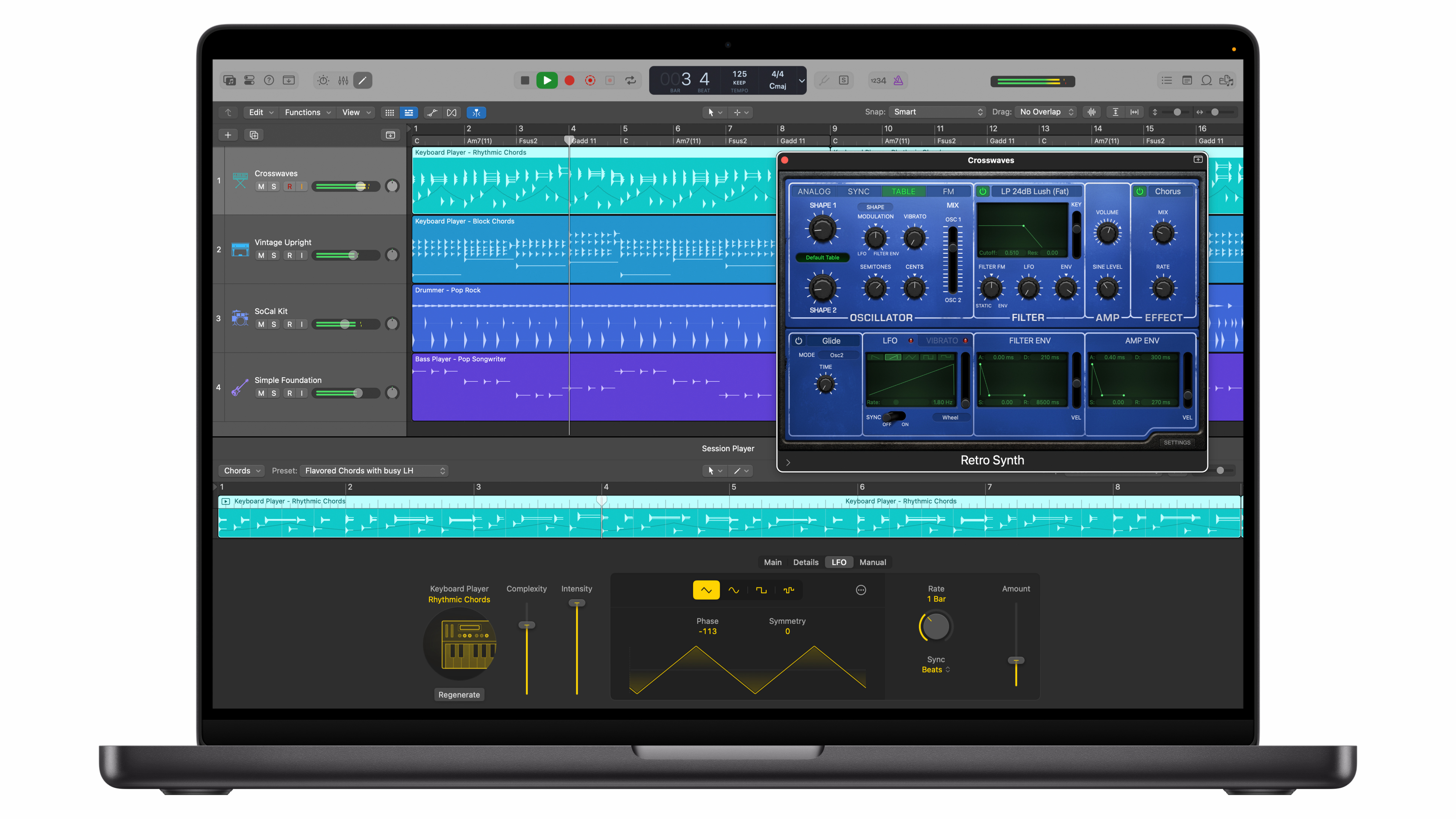
Logic Pro was one of Apple’s earliest showcases of artificial intelligence, thanks to features like Stem Splitter, which separates a recording into individual audio layers. Now, as part of Creator Studio (or as a stand-alone Mac purchase), Logic Pro gets new tools.
AI Session Player expands with a new Synth Player designed for EDM-style performances, adding synth bass elements and dynamic flair. You can adjust the complexity in real time and effectively treat it like an always available session musician. Apple is also adding more royalty-free sounds via a new audio pack, along with natural language search in the audio browser – a welcome quality-of-life upgrade.
Final Cut Pro on iPad gets Montage Maker, while Mac gets new AI features
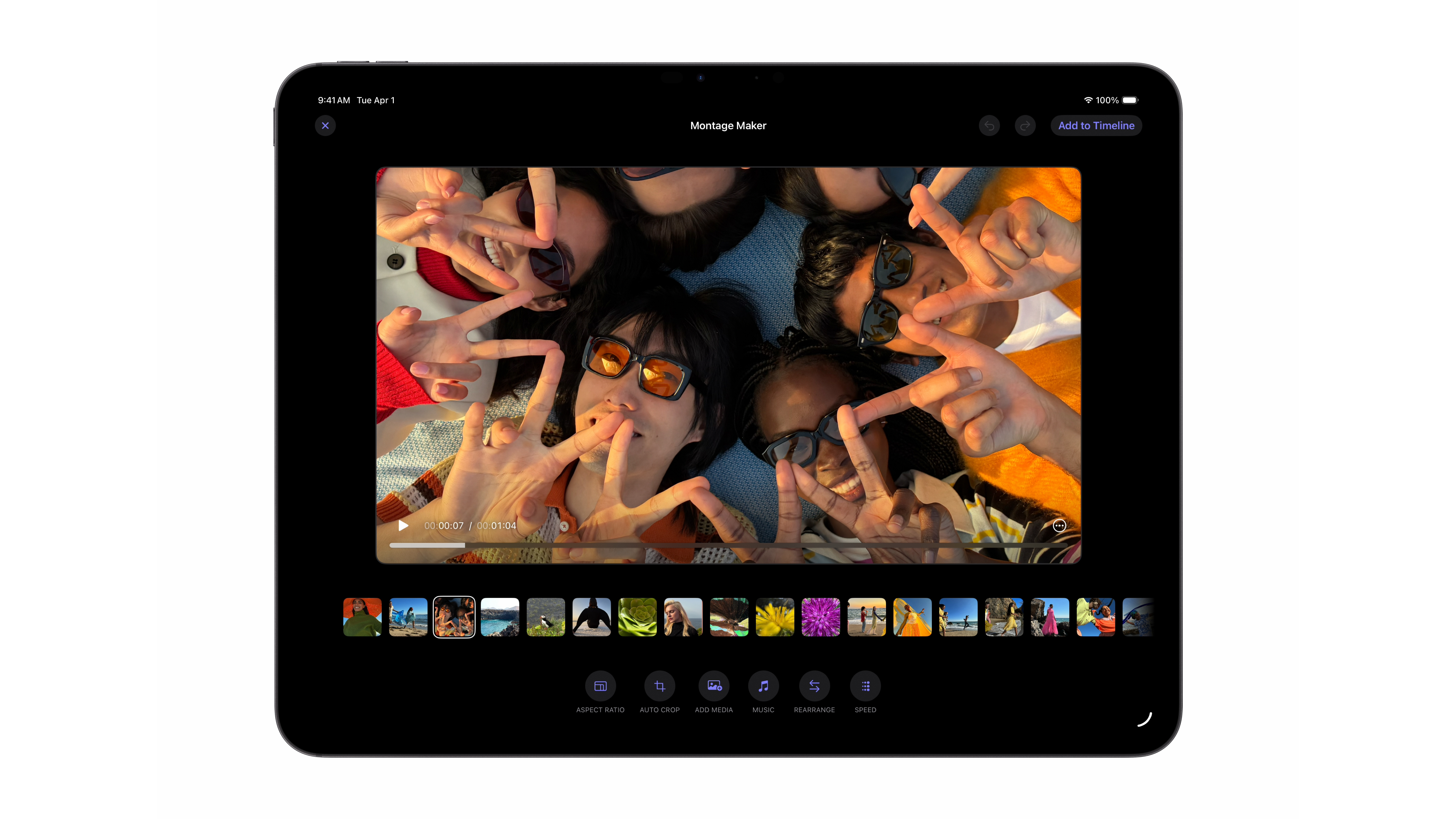
Final Cut Pro on iPad is getting a new feature called Montage Maker. Think of it as a more powerful take on auto-editing—not for vertical social clips, but for traditional video projects.
Select a group of clips and Final Cut Pro will automatically stitch a sequence together based on what it identifies as key moments. It can crop footage to your chosen aspect ratio and deliver the result in a full timeline where you can rearrange clips, adjust speed, swap music and add more media.
If you’re dealing with a larger selection of clips, you’ll now be able to search either in the ‘transcript’ of the video or visually, so you can easily track down a specific moment in clips on both Final Cut Pro for iPad and Mac.
Pages, Keynote, and Numbers get new templates and AI functionality, but core versions remain free
Apple has made this clear: Pages, Keynote and Numbers will continue to be free on iOS, iPadOS and macOS with regular updates. However, Creator Studio subscribers unlock more advanced features. These include early access to intelligent tools – like generating a first draft Keynote deck from a simple outline – plus a new Content Hub with higher quality illustrations and photos.
Subscribers also get premium templates across all three apps. Image Playground remains available, but Apple is adding AI tools on the device to upscale images—it uses the same engine as Super Resolution in Pixelmator Pro—and automatically crop them for documents or presentations right in Pages, Keynote, and Numbers.
As a whole, Creator Studio Pro serves as a unified home for Apple’s creative and productivity apps, while shining a light on how Apple is using artificial intelligence—not as a replacement for the long-promised new Siri or the broader Apple Intelligence umbrella, but for practical quality-of-life improvements in apps that people already use. Between updates to Logic Pro, Final Cut Pro, and Pixelmator Pro, Apple isn’t trying to replace human creativity so much as offer tools that speed up workflows and encourage experimentation with new effects.
With the first steps towards premium content in Pages, Numbers and Keynote, Apple also offers advanced templates and graphics designed to elevate documents and presentations. Image Playground, along with other AI models, can be used to customize images and put your own spin on clipart.
Apple Creator Studio launches on January 28, 2026 as a bundled subscription that includes new features across apps like Final Cut Pro and Logic Pro. We’ll go hands-on as soon as possible and share our first impressions closer to launch – but in the meantime, let us know what you think in the comments below. Is this the return of iLife and iWork, reimagined with fresh branding and a more premium edge?
Follow TechRadar on Google News and add us as a preferred source to get our expert news, reviews and opinions in your feeds. Be sure to click the Follow button!
And of course you can too follow TechRadar on TikTok for news, reviews, video unboxings, and get regular updates from us on WhatsApp also.


