
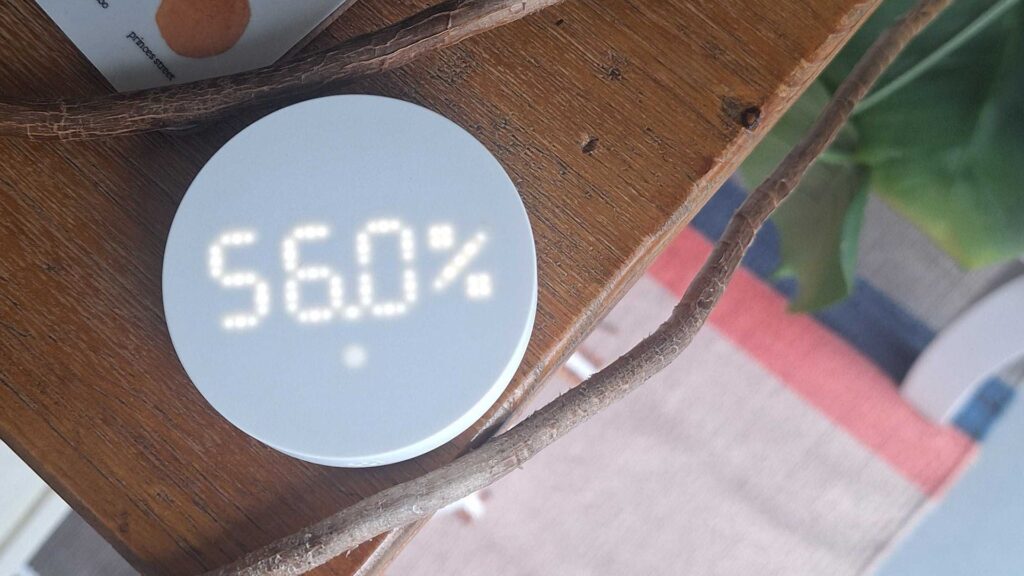
Recently, IKEA brought what looked like the perfect range of sensors for smart homes. I had a sneak peek at the range at CES and got the message from an IKEA representative who was keen to emphasize how simple, accessible and affordable the new additions were designed to be.
When I got them home, things looked promising. IKEA had stressed that the range was designed to ‘work out of the box’ and offer basic functionality without having to download the app first, to remove that barrier to entry. It held true for my Timmerflotte temperature sensor – I was able to pop in some batteries, hit a hidden toggle switch from Fahrenheit to Celsius, and immediately see the temperature and humidity displayed on the screen.
One of my teammates suggested that I might need an IKEA Dirigera home hub, so I browsed the product page to confirm. It said: “This smart product uses the universal standard Matter, making it easy to install, operate and add to the DIRIGERA hub and to other familiar systems.”
So far, so unclear. I contacted my contact at IKEA to try to get a more firm answer. In the end, I got the following response from the Tech team:
“The problem is probably that you lack a thread border router. All new IKEA sensors (including TIMMERFLOTTE and BILRESA) use Matter over Thread, which requires a Thread Border Router to connect. Without an asset on the network, the setup will not complete. DIRIGERA includes a Thread Border Router, and other brands may also support Thread from EAs. do not maintain an official compatibility list of who they are, but recommend using DIRIGERA.”
IKEA has since updated its product listing page to say: “This product uses Matter over Thread, which means you need a thread edge router to control it via your phone, for example our DIRIGERA hub.”
Disappointing development
I’m glad that IKEA has at least now made the requirements clearer on its product pages, but overall the situation is still disappointing for a couple of reasons. The first is that a hub is required at all, and that IKEA didn’t feel the need to make it very clear on the product pages.
One of the great features of these sensors is that they are cheap, with most of the range coming in at under $10/£10. The budget-friendly price tag suddenly becomes a little less affordable when you factor in a Dirigera hub, which costs a not inconsiderable $109 / £60. At that price, consider buying into the ecosystem as a whole – it won’t be worth it if it’s just powering a few cheap temperature sensors.
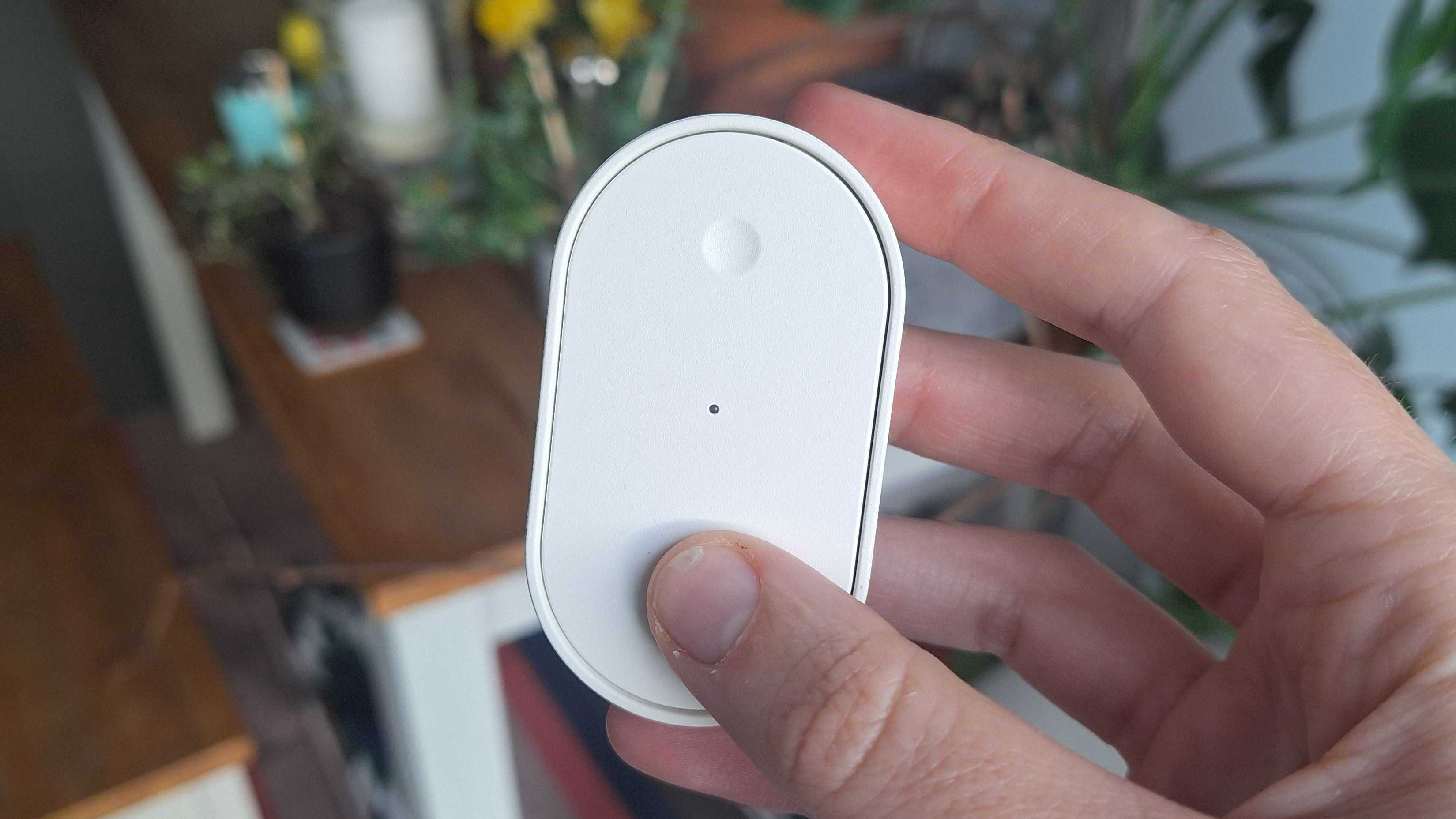
The second is that IKEA is not aware of which alternative smart home hubs the sensors will work with, and it is complicated to figure it out yourself. The brand is pushing the fact that because these gadgets are now Matter-compatible, they should integrate seamlessly into any smart home ecosystem, but the reality seems more complicated.
I have had a message from a customer who told me that he had managed to connect his Timmerflotte via another Matter compatible hub, but that it was not straight forward and took several tries. IKEA’s own FAQ on the subject isn’t entirely helpful either:
I already have a smart home system from another brand, can I use smart products from IKEA in it?
With the DIRIGERA hub, the IKEA Home smart app can guide you to connect to Google Home, Amazon Alexa and Apple HomeKit.
Particularly ironic is a comment I had from David Granath, Range Manager for Lighting and Home Electronics at IKEA, regarding adding Matter compatibility to the new range. “It removes one of the biggest barriers to getting started with a smart home,” he told me. “People don’t want to research standards or ecosystems or worry about which products work with which hub. They want things to connect and just work.”
Have you managed to connect one of the new sensors to an alternative smart home hub? Drop a note in the comments section and I’ll update this article with new information as I get it.
Alternatively, if you want to buy into the IKEA smart home ecosystem, you will find the best prices for the Dirigera smart hub below.
Follow TechRadar on Google News and add us as a preferred source to get our expert news, reviews and opinions in your feeds. Be sure to click the Follow button!
And of course you can also follow TechRadar on YouTube and TikTok for news, reviews, video unboxings, and get regular updates from us on WhatsApp also.


