
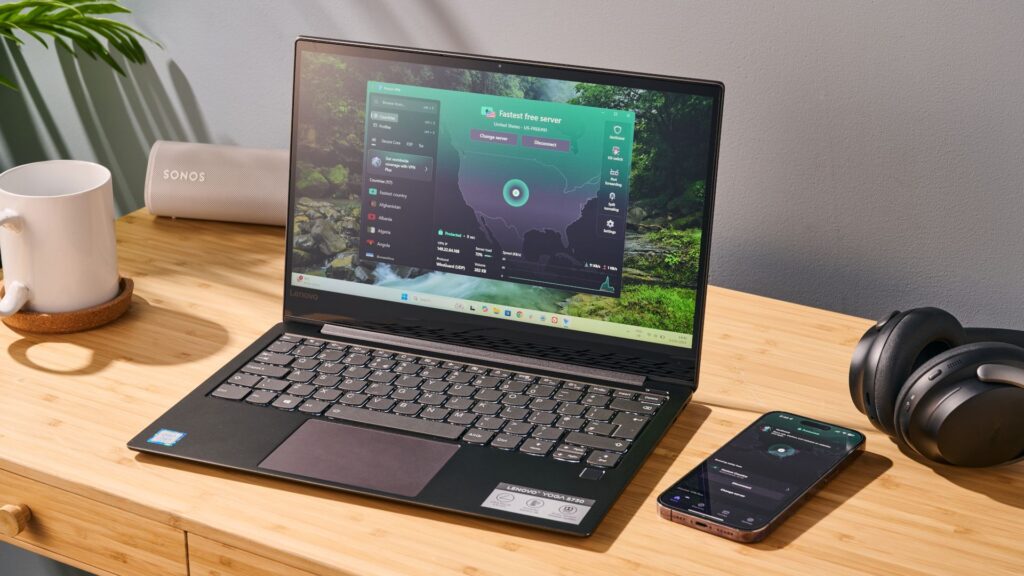
- Proton removes restrictions on concurrent feature use on Windows
- Users can now use Split Tunneling, Kill Switch and NetShield completely
- Split tunneling is currently in beta for Mac and Linux users
If you’ve used Proton VPN on Windows, you’ve probably encountered a frustrating “pick two” scenario. For a long time, the app forced users to make a compromise: if you wanted to use split tunneling to route specific apps outside the VPN, you often had to disable other critical security features.
According to an X post from the company, that friction is finally gone. Proton has just rolled out an update to its Windows application that allows users to activate Split Tunnelingthe Kill Switchand NetShield simultaneously.
“Proton VPN’s latest update on Windows lets you take advantage of all three at once, so you can feel relieved while browsing the web safely,” the company tweeted.
Split Tunneling ✅Kill-Switch ✅NetShield ✅Proton VPN’s latest update on Windows lets you take advantage of all three at once, so you can feel relieved while surfing the Internet safely. pic.twitter.com/Gy4ibwjqHHFebruary 7, 2026
For the uninitiated, this is a significant quality of life improvement that brings one of the best VPNs for privacy in line with its most versatile competitors.
Previously, enabling split tunneling, which lets you keep your banking app on your normal connection while routing your torrenting client through the VPN, meant you might have to sacrifice the safety net for the kill switch or the malware and ad-blocking protection of NetShield.
Now you are free to use split tunneling to adapt your traffic without compromising your security posture. You can stream local Netflix content in your browser (outside the tunnel) while downloading files securely (inside the tunnel), all while NetShield blocks trackers and the kill switch ensures no data leaks if the connection drops.
Why this trio matters
This update essentially unlocks the “Holy Grail” of VPN setups: maximum security with maximum convenience.
- Split Tunneling: This is the ultimate convenience feature. It solves the problem of sites that block VPNs (like some banking portals) or local services that require your real IP address. Instead of turning virtual private network (VPN) completely excluded, you simply exclude the specific apps.
- Kill Switch: This is your failsafe. If your VPN server goes down for even a second, Kill Switch immediately cuts off your internet access to prevent your real IP address from being exposed to prying eyes.
- NetShield: Proton’s DNS filtering feature that blocks malware, ads and online trackers before they even load.
By allowing these three to run in tandem, Proton has removed the need for users to constantly switch settings based on what they are doing. It turns the app from a tool you have to manage into a “set it and forget it” security layer.
What about Mac and Linux?
While Windows users can celebrate today, the situation for other platforms is catching up. Split tunneling is currently available to Mac and Linux users via the beta versions of the app.
However, it remains to be seen if the specific ability to run all three features simultaneously is fully operational on these beta builds yet. TechRadar has reached out to Proton to confirm when Mac and Linux users can expect full parity with the Windows experience, and we’ll update this story when we hear back.
For now, Windows users should check their apps for updates to make sure they’re running the latest version. If you haven’t tried the service yet, read our full Proton VPN review to see why it remains one of our top-rated picks for privacy enthusiasts.
Follow TechRadar on Google News and add us as a preferred source to get our expert news, reviews and opinions in your feeds. Be sure to click the Follow button!


