
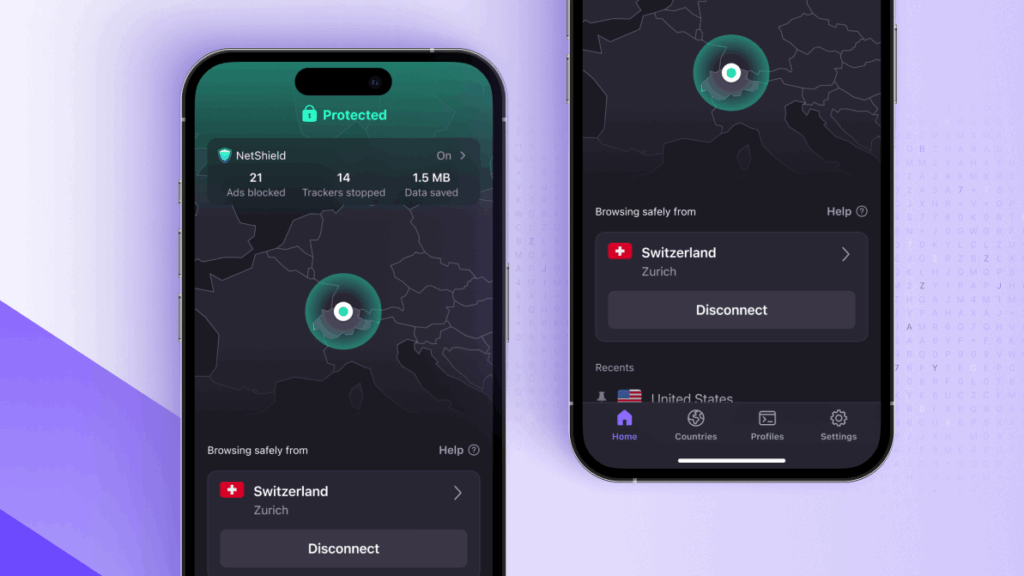
- Proton VPN rolls out shortcuts, quick actions and Siri integration on iOS
- The update makes securing your iPhone easier and faster
- It follows the release of similar features on Android devices
Proton VPN has just made using its VPN service on iPhone significantly easier and faster.
The Swiss provider has rolled out an update that specifically focuses on streamlining how you interact with the software on iOS. The company announced the release on X, stating, “Your VPN should fit into your workflow, not interrupt it.”
To keep that promise, Proton VPN gives users the tools to bypass the app’s main interface entirely, saving you valuable time while keeping your data encrypted.
Securing your smartphone on the go is important, but fumbling through menus every time you need to connect to a public Wi-Fi hotspot can quickly become annoying. Often the biggest vulnerability on a mobile device is simply forgetting to turn on your privacy tools in the first place.
The release follows an earlier quality of life update for iOS users and a recent Android update that fixed its Quick Connect feature, signaling how the industry’s top VPN providers are increasingly focusing on the convenience of everyday users.
Control your privacy without opening the app
While Proton VPN has had basic Apple shortcut support for a while, the development team has announced on Reddit that this release introduces major new features, “including the ability to check your VPN status without opening the app.”
The biggest benefit for iPhone users is the wide variety of ways you can now manage your connection. If you prefer a hands-free approach, now you can seamlessly connect or disconnect via Siri voice commands.
Your VPN should fit into your workflow, not interrupt it. Our iOS app now has updated shortcuts and quick actions: connect via Siri, automate based on your location, or long press for instant access. pic.twitter.com/7dtzSAAR4s7 April 2026
The deeper integration with Apple’s Shortcuts app also opens the door to powerful custom automations. For example, users can configure the application to automatically secure their connection the moment they leave their home Wi-Fi network.
This ensures you’ll never be caught unprotected when your phone inevitably connects to a risky, unsecured public network in a cafe or train station. However, the provider noted that some automations may require your iPhone to be unlocked to run.
Finally brings the update native Quick Actions directly to the iOS home screen. By performing a simple long press on the Proton VPN app icon, users will see a drop-down menu that provides quick access to their most used actions, allowing them to instantly trigger a connection.
For anyone who relies on a mobile VPN, the core benefit is clear: removing the friction from the process leads to much better security habits.
As the Proton Team notes on Reddit: “The idea is simple: you don’t have to manually open the app every time you want to connect, and now you don’t have to. This update is all about giving you the tools to manage your VPN.”


