
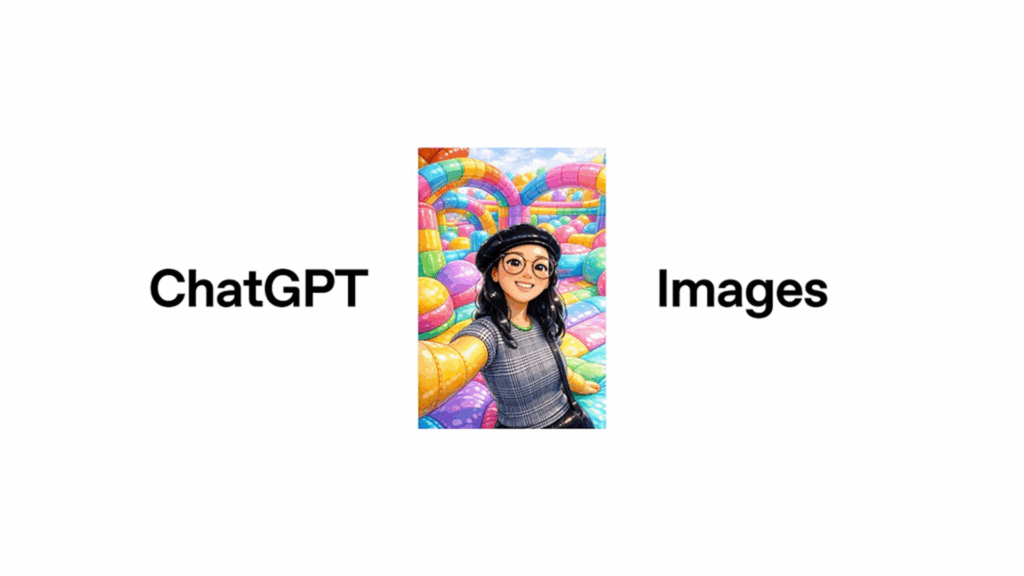
- OpenAI has launched a faster, smarter image model called GPT Image 1.5 inside ChatGPT
- The new tool allows users to make detailed, accurate edits to photos and create custom images from prompts
- The new Images tab adds presets and filters without the need for written prompts
OpenAI has upgraded and improved the AI image generation capabilities of ChatGPT. The improvement comes not long after the release of the ChatGPT-5.2 model for everything else offered by the AI chatbot. The new GPT Image 1.5 model is up to four times faster than its predecessor and is built to be better at editing and more reliable at following instructions.
In its announcement, OpenAI launched the new ChatGPT Images as a serious creative tool with professional-level results. With all the caveats about the limits of AI image generators, it’s kind of like a slightly flawed but powerful visual production studio with someone running it who understands plain language so you don’t have to mess around with sliders and layers.
The new model also comes with some changes to ChatGPT. There is now a dedicated “Images” tab inside ChatGPT that acts as a hub for creating images with pre-built filters and curated options based on current trends. There are also templates that let you generate or edit images without writing a prompt yourself. You can click on “retro magazine layout” or “futuristic food styling” and see what it looks like without having to find the best phrasing for a prompt, part of OpenAI’s effort to make the tool as accessible as possible.
There are also a lot of other subtle improvements to the new model. It can produce denser text without devolving into nonsense, display a crowd of tiny faces without producing too many oddballs, and it can keep track of elements across multiple edits so you can change one aspect of an image without the AI deciding to mess with other bits. Earlier models were easily confused by chain edits or overlapping instructions.
The upgrade also allows for better combining and transforming images. You can tell it to mix styles, move one aspect of an image to another, or remove all but a single component and move it to a new setting. You also don’t have to worry so much about the space between people or objects getting confused.
AI image enhancement
Still, it’s not perfect. Some outputs miss the mark. Occasionally, the model will misinterpret a sentence or render something too literal. But the difference now is that those moments feel like exceptions rather than the norm. Or at least that’s what OpenAI claims.
There’s more to it than just what you can do with OpenAI’s model. Adobe recently revealed that it is integrating Photoshop and Acrobat into ChatGPT. This means that we are approaching a future where multiple editing platforms live side by side. You can ask ChatGPT to design a poster and then click over to Photoshop to refine it without ever leaving the same window.
ChatGPT doesn’t lack AI image competition from Google Gemini and Midjourney, but the casual access to ChatGPT Images means you might turn to it to produce things like an enhanced LinkedIn headshot before specifically opening Midjourney.
The most positive interpretation of the upgraded ChatGPT images is that another level of high-quality visual creativity is no longer closed by technical skills or expensive software. But it comes with all the caveats and uncertainties of how much of what ChatGPT produces is simply remixed content scraped without the consent of human artists, not to mention how much its use removes opportunities for professionals in the field. As fun and as impressive as the results can be, it still means users have to decide what exactly it means to “make” something in the first place.
Follow TechRadar on Google News and add us as a preferred source to get our expert news, reviews and opinions in your feeds. Be sure to click the Follow button!
And of course you can too follow TechRadar on TikTok for news, reviews, video unboxings, and get regular updates from us on WhatsApp also.
The best business laptops for all budgets


