
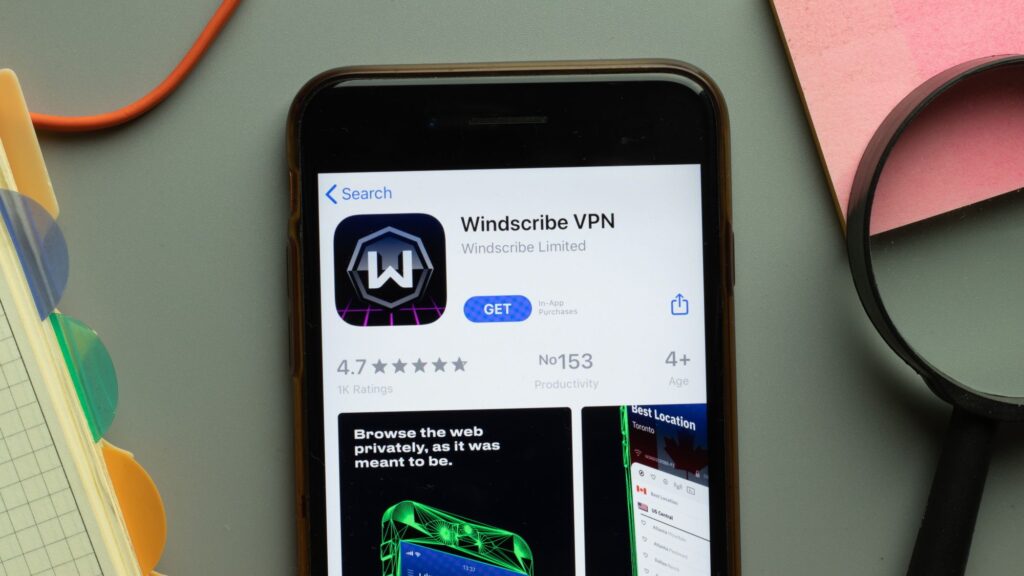
- You can now create a Windscribe account completely anonymously
- Windscribe’s anonymous login uses a 32-character hash instead
- Only a handful of VPN services offer a similar feature
You don’t need an email, username or password to create a Windscribe account as the company introduces a new anonymous account option.
Windscribe’s anonymous login uses a 32-character hash instead of the traditional details that the majority of the best VPN apps still require.
While the traditional login method remains, Windscribe’s anonymous account gives privacy-conscious users the chance to share even less of their personal data for a truly anonymous browsing experience.
Why use anonymous login?
As Windscribe explains in a blog post, anonymous accounts are for people who want their VPN account to be as anonymous as their browsing habits. It’s for those who don’t want their VPN activities tied to their email or don’t want to come up with yet another unique password.
“Same encryption. Same servers. Same VPN. Just another way to prove you’re you,” Windscribe writes.
Choosing the hashed anonymous login comes with a downside. If you lose the code, it will be impossible to recover your account.
Also, “if someone else gets the hash, they can log in as you,” Windscribe warns. It suggested saving the code somewhere safe, like a secure password manager or an encrypted notes app.
Windscribe’s bold move is rare but not unique in the VPN industry. A few other secure VPN services offer a similar anonymous way to create an account. These are Mullvad VPN, NymVPN and Obscura VPN.
How to use Windscribe’s anonymous hashed account
To log in anonymously, select the Hashed option during setup.
Windscribe provides you with a random, unique 32 character hash code, or alternatively you can create your own. For the latter option, you can also use an image or file to help you with this.
If you choose the picture route, Windscribe explains that it must be unique and private. So not your profile picture, a regular meme, or a wallpaper.
Still, “this feature is an option, not a forced lifestyle,” reminds Windscribe.
If you choose traditional login, however, Windscribe recommends coming up with a strong password and enabling two-factor authentication for added security.
We test and review VPN services for legitimate recreational use. For example: 1. Accessing a Service from another country (subject to the terms and conditions of that Service). 2. Protecting your online security and enhancing your online privacy when you are abroad. We do not support or condone the use of a VPN service to break the law or carry out illegal activities. Consumption of paid-for pirated content is neither endorsed nor endorsed by Future Publishing.
Follow TechRadar on Google News and add us as a preferred source to get our expert news, reviews and opinions in your feeds. Be sure to click the Follow button!


