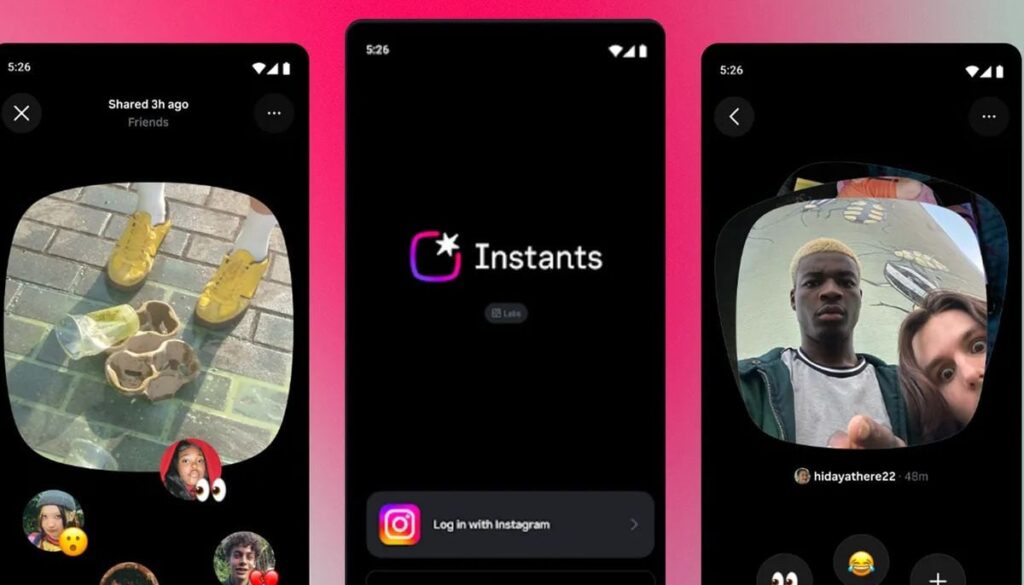
Instagram introduced a new feature called “Instants” on May 13, 2026. However, users have mixed reactions to the feature.
The feature allows users to share unedited, instant photos to followers directly, which disappear after 24 hours. This seems more like sharing quick, raw snapshots of your daily life.
While some people find the spontaneity fun, others have complained that the continuous presence of temporary content fills their inboxes. Fortunately, the process of disabling Instants is quite simple.
How to permanently disable Instant
To make sure that Instants don’t appear in your inbox at all, open Instagram and go to your profile page, which you can access by tapping the picture in the bottom right corner of the screen.
In the menu with the three lines in the upper right corner, go to “Content settings”, where you should find “Hide moments in inbox.” Enabling this option effectively ensures that you will not see any Instagram Insta.
Disabling instant notifications
To disable only the notifications, disable push notifications separately.
To do so, go to your profile, menu icon, settings, notifications, moments. Select “Off” to disable both instant and emoji reaction alerts.
Quickly temporarily mute Instagram Instants
For those who just need a break without permanently disabling the feature, there is another method.
Go to the direct message inbox, tap and hold the Instant stack/stack, then swipe right to hide it.
To reverse, simply swipe left on the same area.