
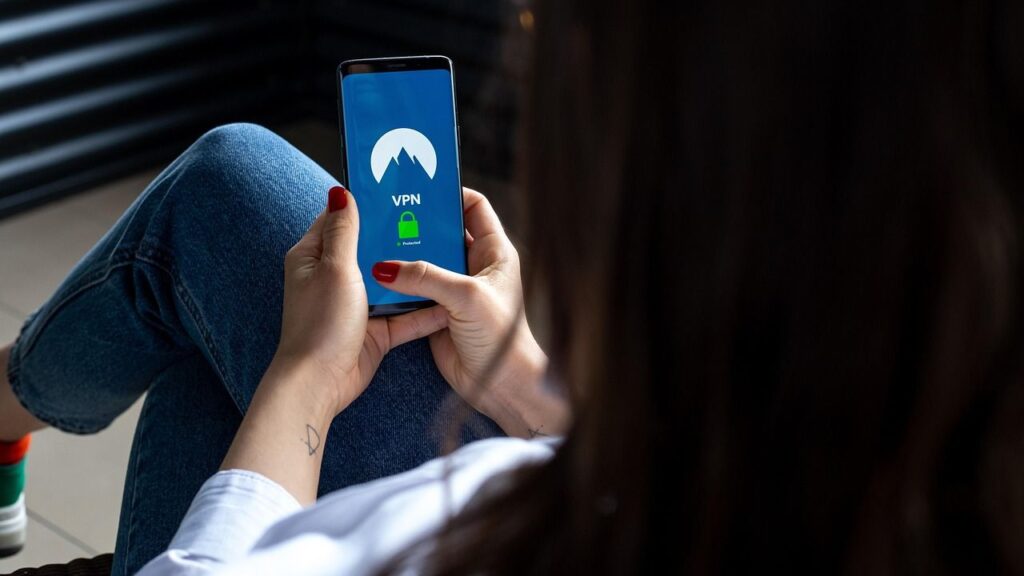
- NordVPN offers a private server with dedicated IP, hardware, port forwarding
- The feature is aimed at gamers, self-hosters and smart home owners
- It’s an add-on of $11.99 per month on top of an active subscription
NordVPN has launched a private dedicated VPN server, a new addition that gives you your own private corner of the internet with a static IP address, isolated hardware and port forwarding. In short, the feature allows you to reach your home network, devices and personal services from anywhere in the world without revealing your real location.
Most people choose one of the best VPN services to stay more private while browsing, and a standard connection with a shared IP does that job perfectly. But with this add-on, you’re the only one using the server, and you get all the bandwidth to yourself, as well as full control over the IP’s reputation.
“Some users need their VPN to have a wider scope. They want to secure their game server’s IP address, access their home network from around the world, and keep their real IP off the public internet,” says Domininkas Virbickas, product director at NordVPN. “A dedicated server gives them the resources to do that.”
The feature is now available for $11.99 per month and requires an active NordVPN subscription.
What NordVPN’s dedicated server actually is
The dedicated server is a virtual private server that is exclusively assigned to one person and is automatically deployed when you purchase it. Where a standard or dedicated-IP connection still runs on shared hardware, this gives you an entire virtual machine to yourself with your own CPU, memory and bandwidth.
The specs are modest but reasonable for the job: 1 vCPU, 4 GB of RAM, up to 1 Gbps of dedicated bandwidth and a monthly data allowance of 4 TB, with up to 10 devices able to connect at once.
However, the header function is port forwarding. Port forwarding allows certain types of Internet traffic to find its way to a specific device behind the server so that people from the outside can reach it. Stored on top of a VPN, it does this without revealing the real IP address of the host.
Why would anyone want one
For general browsing and streaming you don’t need this, and NordVPN is upfront that shared servers work just as well for normal VPN use. The dedicated server is for those people whose needs go beyond simple privacy.
e.g. anyone who hosts a game the world usually has to hand over their real IP address to every player who joins, exposing them to DDoS attacks and leaking location data. Routing traffic through a dedicated server keeps your real IP hidden, while port forwarding still lets friends connect.
Finally, if you will log into your home PC from a remote location or self host your own toolsA dedicated server gives you a stable, private route in. This is a long-standing reason why people pair port forwarding with a VPN: it lets you reach a server inside your home network remotely and securely. In the same way, you can also reach your smart home devices.
This is how you get started
The dedicated server is an extra that anyone can add to their NordVPN subscription, and the private server is automatically provided after purchase.
From there, you can choose the US, UK, Germany, or France as your server location. Once live, you connect through one of the major NordVPN apps using the NordLynx protocol.
A few limits are worth noting before you buy. The feature is not available on browser extensions or Apple’s tvOS, and it does not support OpenVPN or any protocol other than NordLynx.
It’s not pitched as an upgrade for everyday browsing or streaming, where a standard shared connection works just as well. But if you need a dedicated IP, isolated resources and port forwarding, this gives you your own private corner of the internet to do it from.
Follow TechRadar on Google News and add us as a preferred source to get our expert news, reviews and opinions in your feeds. Be sure to click the Follow button!


