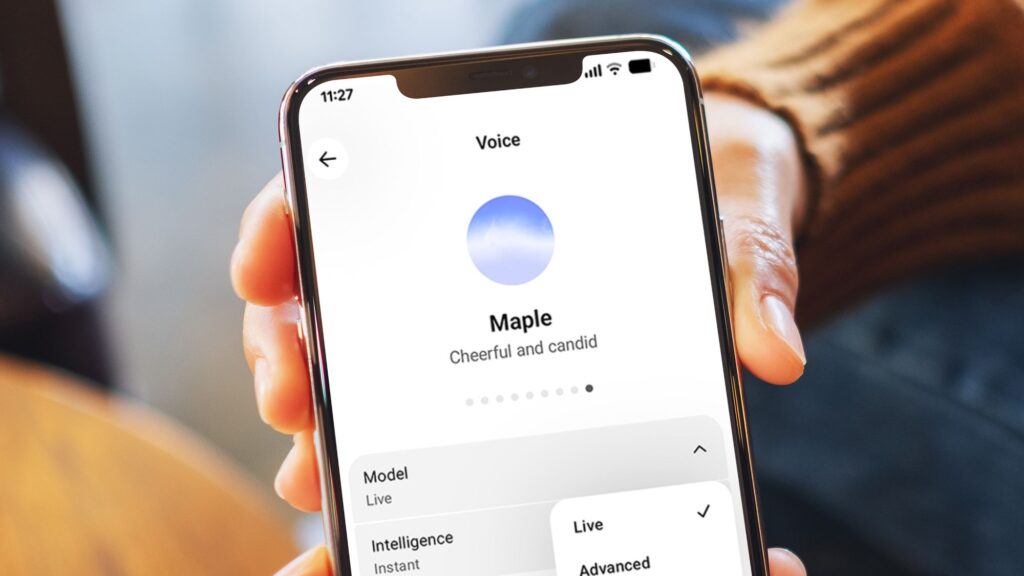
- GPT-Live is rolling out to all ChatGPT users now
- It can both speak and listen at the same time for more natural chats
- Real-time translations are also now possible
ChatGPT has a shiny new AI voice model called GPT-Live, which has a number of useful tricks – including being able to listen and speak at the same time. It’s rolling out to all ChatGPT users now, although OpenAI has acknowledged a number of early bugs.
While free users and users on a paid plan get slightly different models – GPT-Live-1 mini and GPT-Live-1 respectively – the updated model should now appear on all ChatGPT accounts with the new features detailed below.
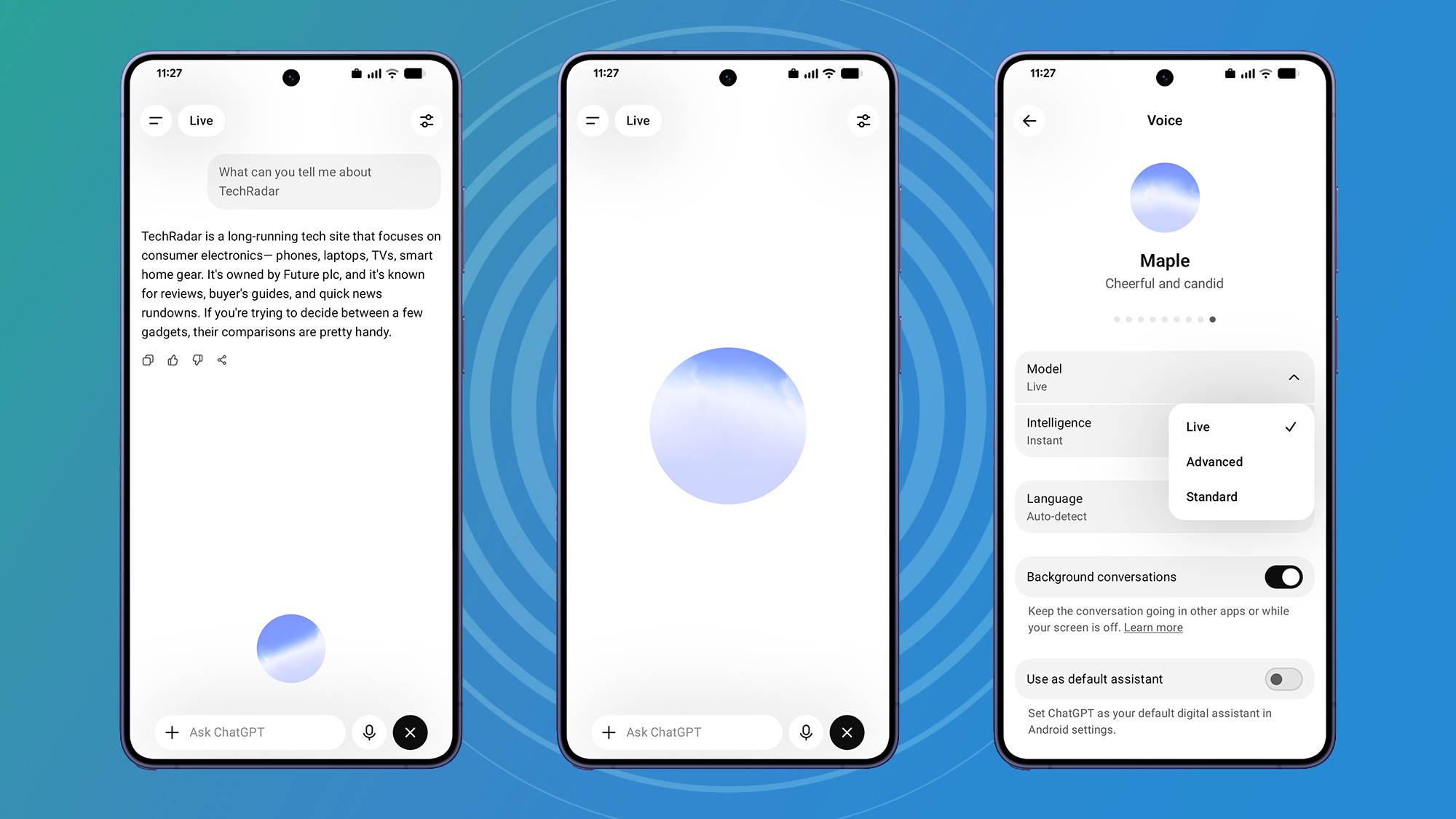
The biggest giveaway you’ve got the upgrade will be Live label at the top of voice chat on mobile and behind the drop-down menu ChatGPT on the web. Tap or click on these labels and you can still go back to the old voice models for now.

There is another way to check that the GPT-Live voice model has arrived in your account: on mobile, press the menu button (top left), then the settings wheel (Android) or your profile avatar (iOS), and Voice > Model. On the web, click on your profile avatar (bottom left) and then Settings > Voice > Model.
What to try first
The biggest upgrade here is the ‘duplex’ functionality, so try that first: you can keep talking even after ChatGPT starts responding to you, and it should follow through. Second, try interrupting it mid-flow and it will adjust its response accordingly. We’re almost on par with the 2013 Spike Jonze movie Her at this stage.
Third, in voice mode, ask ChatGPT to translate something into a foreign language while saying it out loud. You can then speak sentences in English and ChatGPT will do a real-time translation for you without hesitation. It is not very useful for language learning, but it shows the possibilities of GPT-Live.
Fourth, change the voice and intelligence used – you can do this via the slider icon at the top right of voice chat. The voting options are actually the same as they were before, but you can choose between them Instant, Mediumand High as intelligence level. Use Instant for the fastest answers, High for the best answers and Medium for a compromise.
The last thing you can try after getting the update is asking questions with visual answers. OpenAI has added a lot of visual maps to voice mode now, so for example you get on-screen graphics of sports scores, weather forecasts, and locations that can be found on a map.
Early vocal defects
We are aware of issues with memory not being as reliable in ChatGPT Voice with GPT-Live. We are actively investigating and will follow up!9 July 2026
I’ve been testing GPT-Live voice mode for a few hours and can report that everything works as advertised. It’s more like talking to a real person than ever – right down to the hesitation and variation in speech patterns. I did experience one or two glitches, but they were few and far between.
Over on Reddit, OpenAI’s Atty Eleti answers questions about GPT-Live. One of the main bugs that users seem to be experiencing is related to ChatGPT’s memory, which seems to be excluded for voice mode in some cases – this is an issue that OpenAI is tracking and “actively investigating”, and you can find updates on it here.
Problems are also reported when it comes to pronouncing foreign languages with an English accent. Again, this is an issue that has been acknowledged and should improve over time, according to Eleti.
Overall though, the rollout seems to be going relatively smoothly – and I haven’t seen any issues with memory or with accents so far. I’m not sure it’ll make me want to use voice mode any more than I already do (which isn’t much), but for heavy voice users it’s definitely a big step forward.

Follow TechRadar on Google News and add us as a preferred source to get our expert news, reviews and opinions in your feeds.