
Spotify has taken over all the top music streaming services because of its hyper-personalized feed and social features, but its app design isn’t the best.
I’m not the first power user to call out the platform for its stuffy and sometimes disorganized layout. The ‘Your Library’ section, for example, is a cluster of your recent activity that you can only rearrange using the filters at the top of the screen – full customization is out of the question.
Having used Spotify alongside Apple Music, there’s no comparison – the latter has a simple and concise interface with a bright and sleek finish, and there’s Spotify, which could definitely take a page out of Apple Music’s book on the organization front. However, at least one user has found a hidden setting that allows you to switch from Spotify’s dark color scheme to a lighter one similar to Apple Music’s.

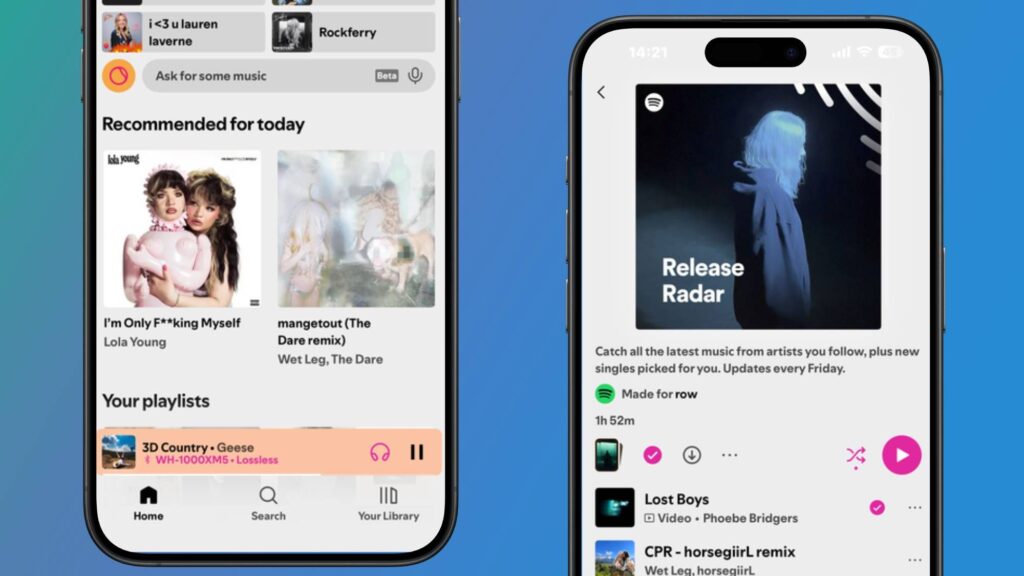
A Reddit post shared by u/Hot_Perspective (see below) shows two images of the Spotify mobile app with inverted colors enabled, essentially replacing Spotify’s dark look with a ‘light mode’ consisting of an all-white background reminiscent of Apple Music’s interface.
Did you know you can use Spotify in light mode in iOS it looks beautiful 😍 from r/truespotify
The thing to note here is that it’s not actually controlled via the Spotify app; it’s all done through iOS or Android settings – and it’s easy to activate.
If you’re using an iPhone, open Settings and go to Accessibility, then tap Settings per app. From there, tap Add app and search for Spotify. After adding Spotify, select Smart Invert and enable the on/off button. Android users can also enable this feature by going to Settings and tapping Accessibility, then Text & Display. Find Color Inversion and turn it on.
What an eyesore
If you haven’t come across this tool yet, it’s a marked departure from Spotify’s traditional dark-themed interface, to say the least.
While it flips the app’s dark color scheme on its head, it’s smart enough to know not to flip album and playlist covers so that not every part of the Spotify app is upside down – which I think is pretty smart. But despite its accessibility advantages, it hasn’t been a huge hit with music fans, myself included.
First, it doesn’t solve the problem of the cluttered and disorganized interface, it just adds funky colors to the app. Except, it’s terrifyingly bright, I’d say even brighter than the average smartphone display setting – the meme responses in the Reddit thread have cracked me up (see the countless reaction photos).
I can’t quite explain it, but there is something very ‘uncanny valley’ about Spotify with inverted colours. It looks like Apple Music, but I know it’s not. I even lost my muscle memory trying to navigate it – it threw me off so much.
As we all know, Spotify loves a good image and most songs on the platform show a short looping video in the playback section of the app, but inverted colors disrupt this and make it look like x-rays. But even if you like the way it looks, it has a knock-on effect for both iOS and Android smartphones.
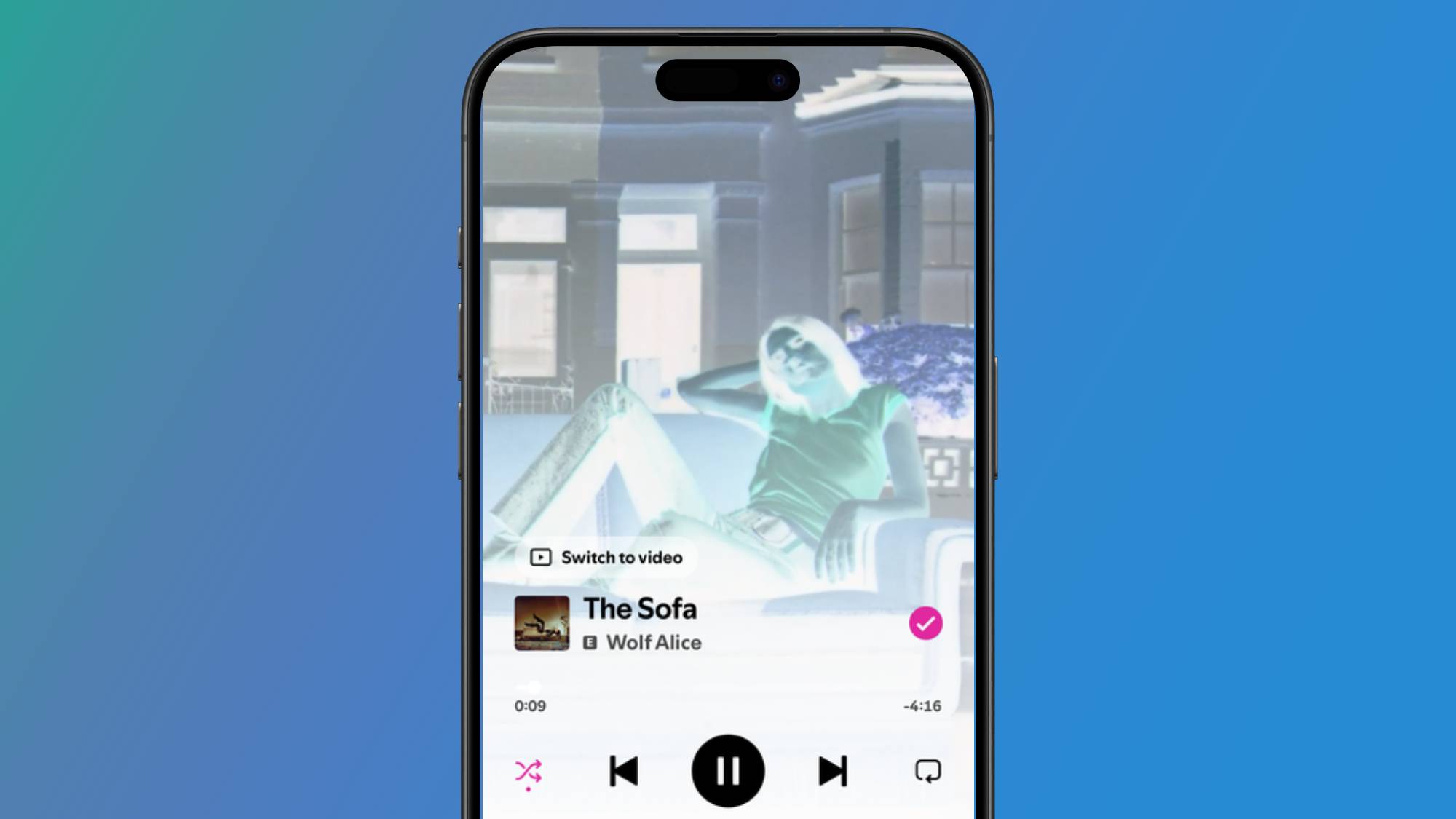
Because Android doesn’t allow this tool to be enabled for individual apps, you’ll have to put up with inverted colors across your entire system, which is quite a strain on the eyes. While iOS allows you to enable inverted colors for individual apps, you need to have the system-wide light mode setting enabled for it to work. This means that if you’re like me and prefer to use Dark Mode in apps like Instagram and iMessages, you’ll have to sacrifice this – it’s an all-or-nothing situation.
I think it’s fair to say that overall it doesn’t sit well with many subscribers. However, it does remind us that while Spotify has yet to iron out a few layout issues, at least the platform has a solid brand identity.

Follow TechRadar on Google News and add us as a preferred source to get our expert news, reviews and opinions in your feeds.


