The wallet-stealing component monitors the Windows clipboard, the hidden temporary memory used for copy-and-paste operations, approximately every 500 milliseconds. When a user copies a crypto wallet seed phrase or private key into a Bitcoin or Ethereum wallet, the malware captures that data and sends it to the attacker’s server over the Tor network, an open source overlay that provides anonymous communication. It also takes five screenshots at ten second intervals and sends them along as well.
The risk does not end there.
If a user copies a recipient address to send money, the worm silently replaces it with an attacker-controlled address before the user pastes, so the transfer goes to the attacker without any visible cue.
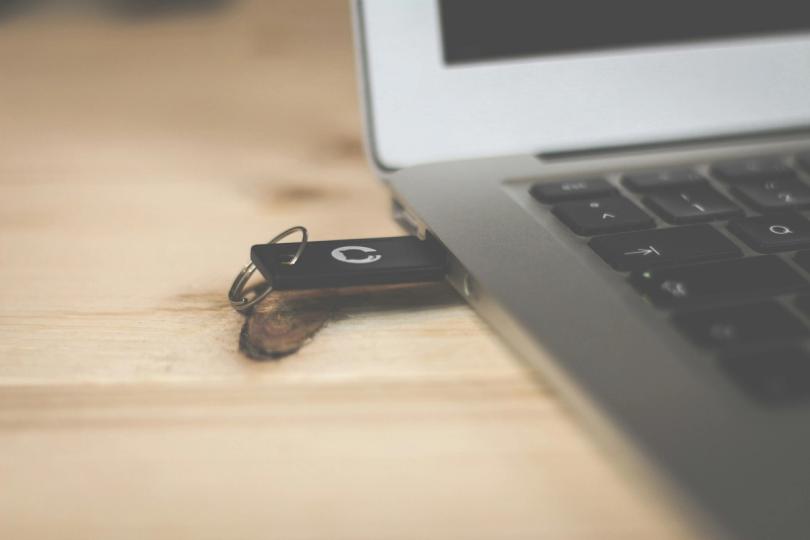
Finally, the worm propagates when a clean USB drive is inserted into the computer. It scans the clean USB drive for regular files, Word documents, Excel sheets and PDF files, replaces them with new shortcut files with the same names and infects the drive. Then the cycle continues.
Microsoft recommends disabling AutoRun for removable media, blocking .lnk file execution on USB drives via Group Policy, and restricting script hosts such as wscript.exe and cscript.exe. Microsoft Defender customers can also run hunting queries to check for related activity, including connections to a local Tor proxy on port 9050.